
Open the Cortex Catalog Client Cards View.
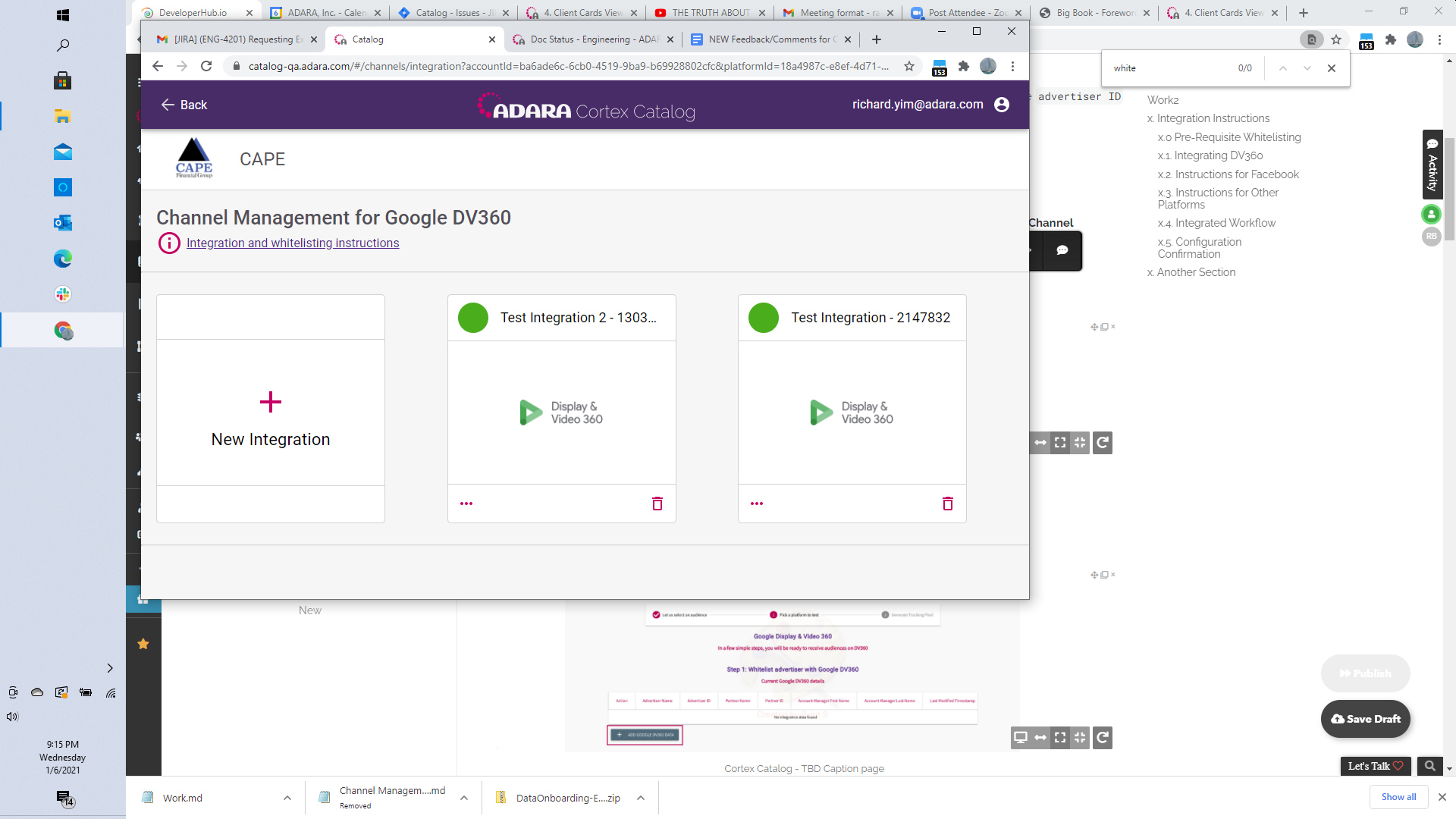
Select the drop down menu in the lower right of the card and select Manage Channels to view the Channel Management screen, See Channel Management for more information.
Go to the third set of channels to view the available Unconfigured channels
Select the Destination Platform you wish to configure its integration,
??then select Next.
text
text
Was this page helpful?